Login cvcue
CV-CUE Login
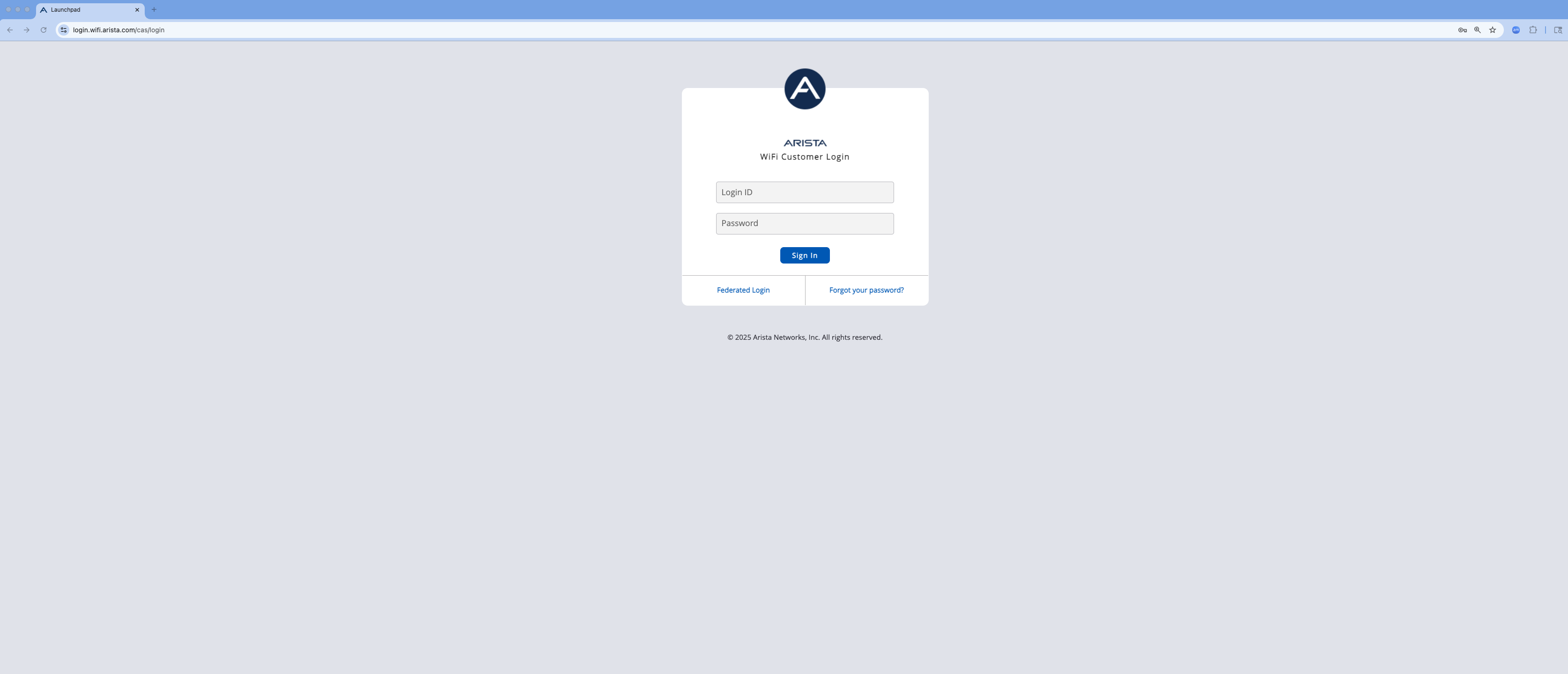
If you're not already logged into CV-CUE, navigate to the Arista Launchpad for your lab.
Provide your assigned lab/pod email address and password and click Sign In
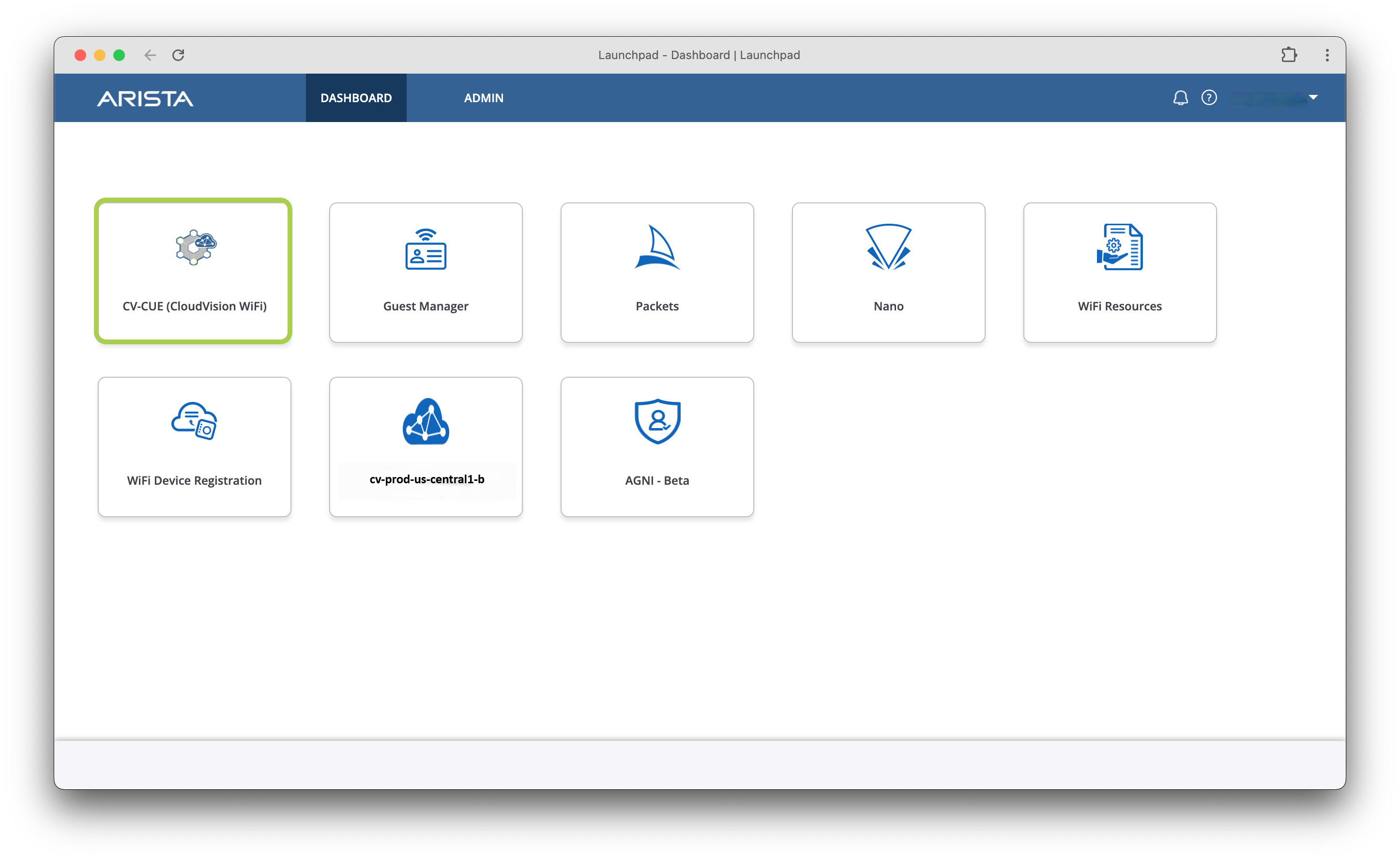
You will see the various tools tied to your tenant, this includes CVP, AGNI (NAC), and CV-CUE for wireless. Click into CV-CUE (CloudVision WiFi) tile to begin this lab.