A-02-ATD | Provisioning a Campus Fabric - Virtual Lab
Overview
In this lab you will be using Arista Test Drive (ATD) to simulate a campus leaf switch using CloudVision Studios, adding your new campus leaf switch to an existing Campus Fabric using Arista's Test Drive (ATD) virtual lab environment.
ATD provides a fully virtualized network topology that mirrors real-world campus deployments, allowing you to experience Arista's campus solutions without physical hardware. Your virtual environment includes:
- Pre-configured Campus Infrastructure: Virtual spine switches acting as your campus core
- Virtual Leaf Switches: Simulated campus access switches already onboarded with CloudVision
- CloudVision Integration: Full access to CloudVision Studios for fabric management
- Realistic Network Scenarios: Experience the same workflows you'd use in production
Your environment has been pre-configured with a sample Campus to assist with these new concepts. Studios is equipped with flexible constructs that give you the ability to describe your campus footprint. These will be common throughout this workshop:
ATD Lab Access
To begin this lab, you'll need to access your assigned ATD (Arista Test Drive) virtual lab environment.
- Navigate to your assigned ATD Token lab URL provided by your instructor
Arista Test Drive Access
- Your instructor will provide you with the ATD access link and credentials for your lab instance
- Login using the credentials provided for your lab instance
-
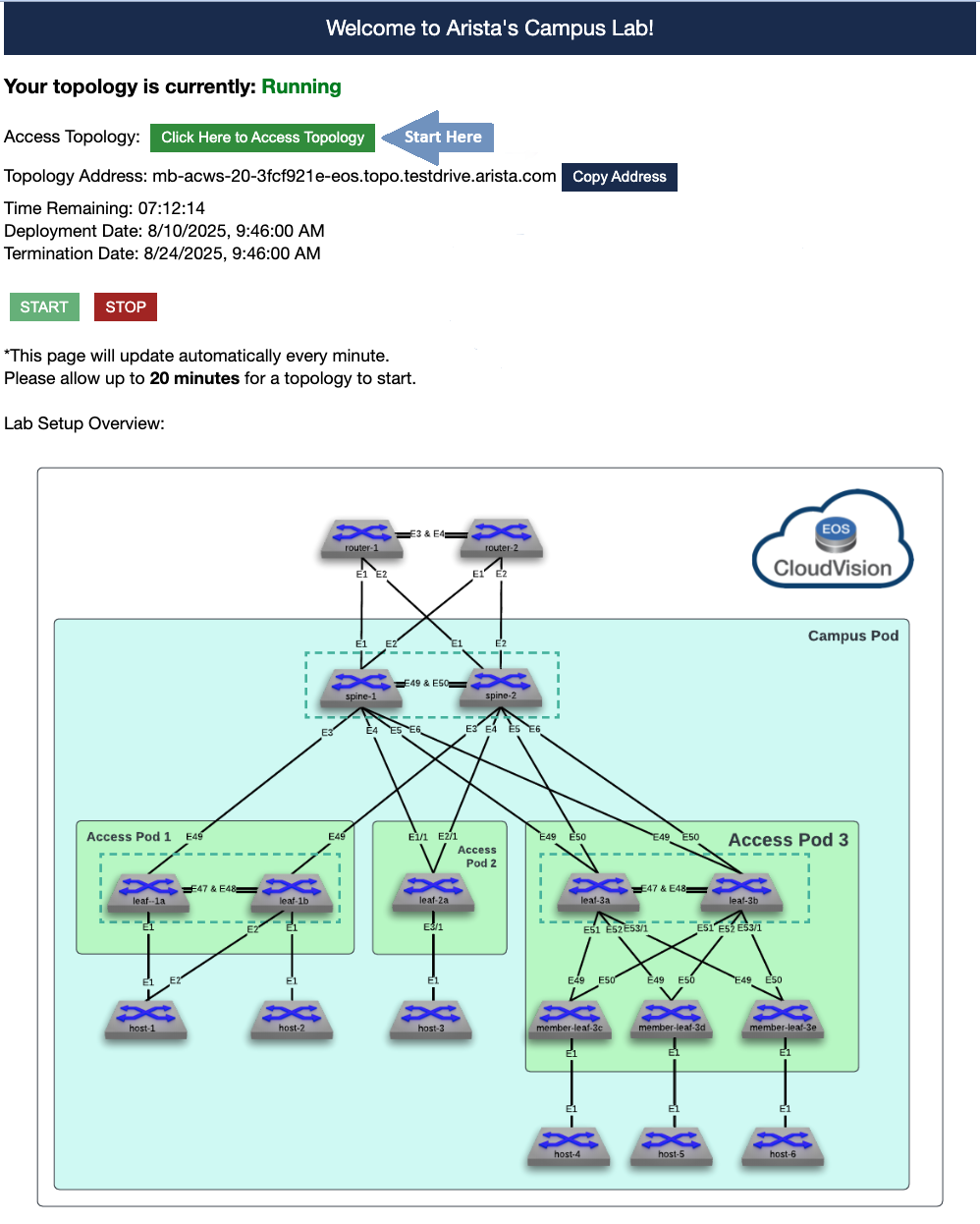
Once logged in, you should see the ATD welcome screen similar to the example below. Click on the "Click Here to Access Topology" button to enter the lab environment.
-
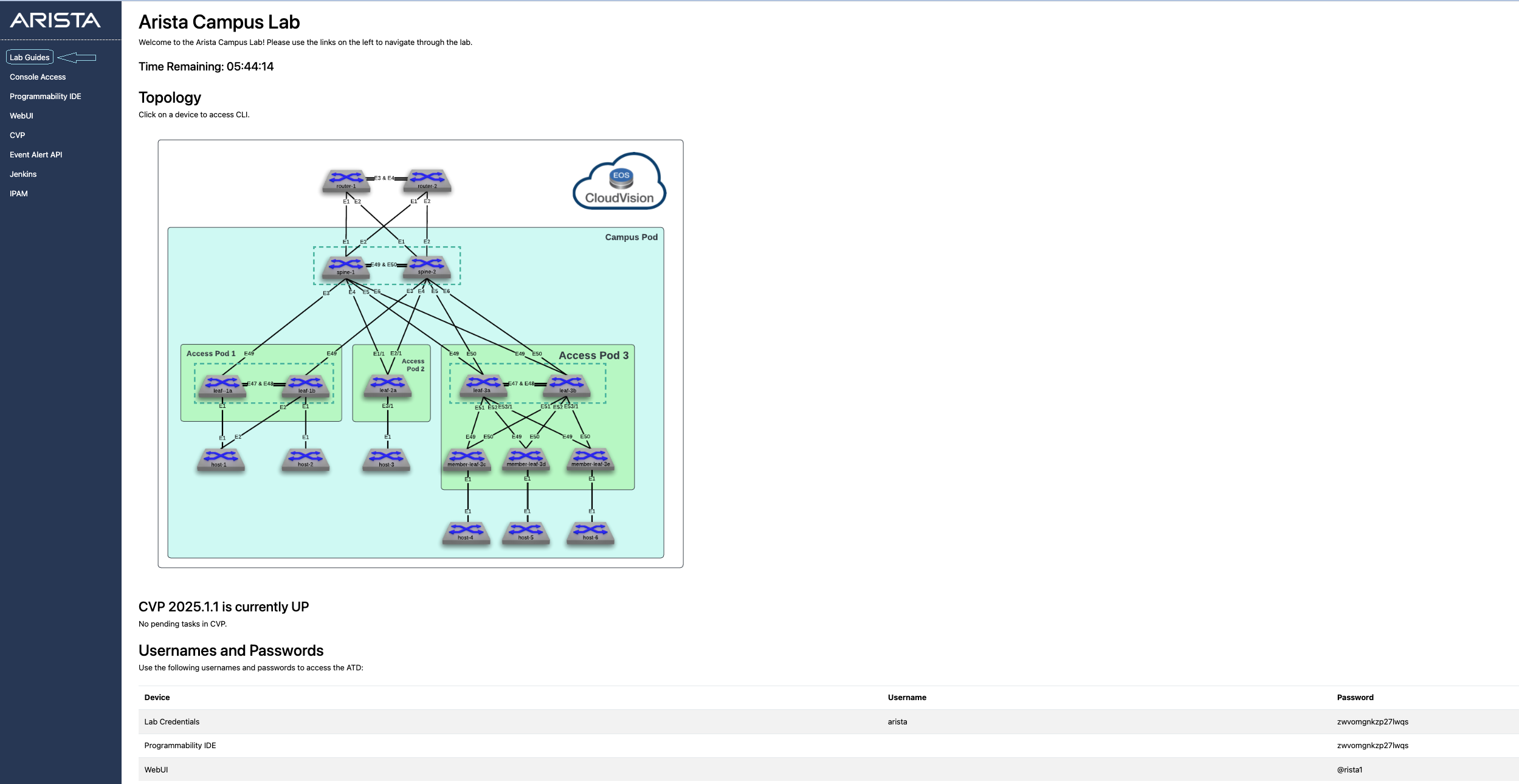
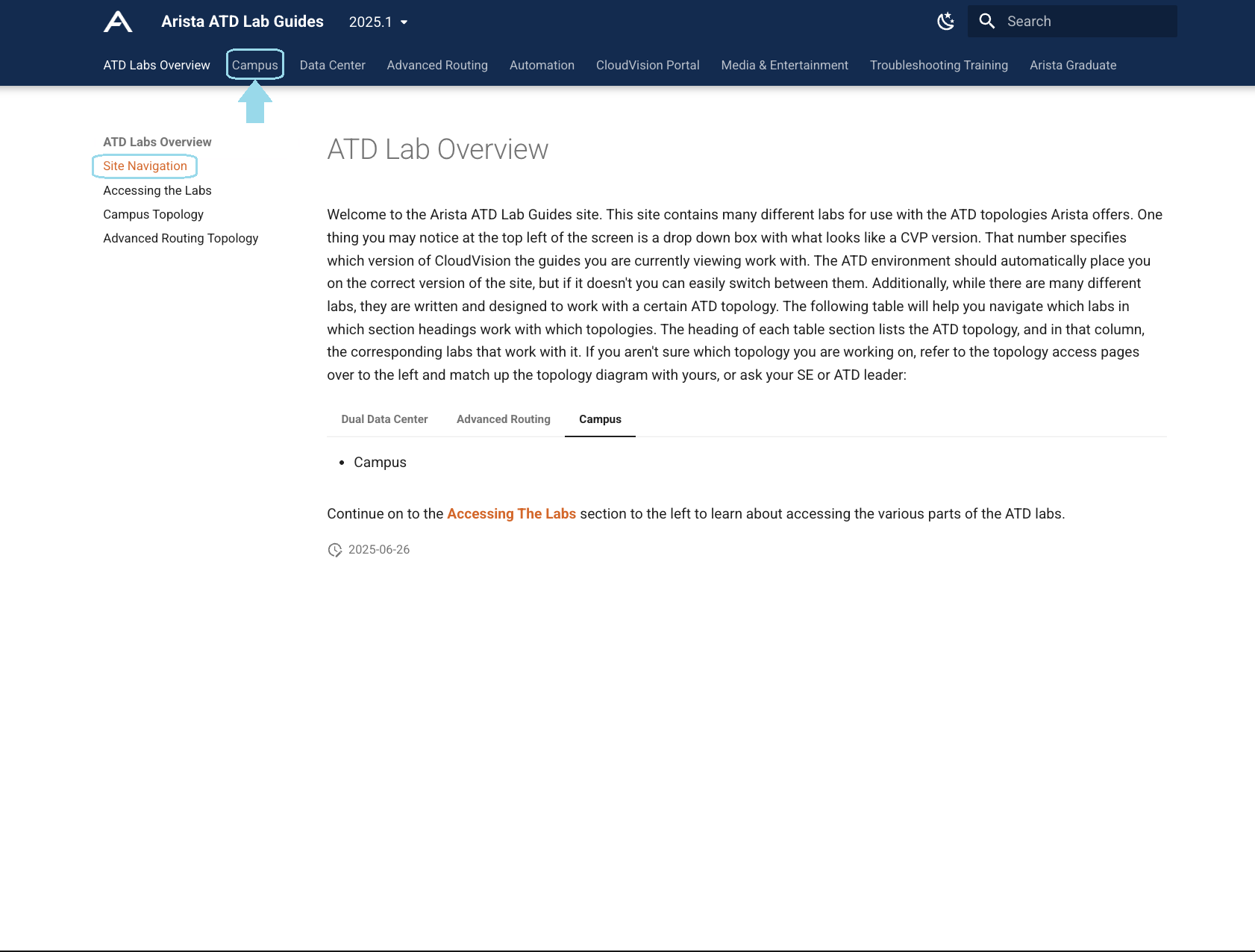
To access the lab guides within your virtual environment, look for the vertical navigation bar on the left side of the screen and click on "Lab Guides" as shown below. You'll also find your lab credentials provided at the bottom of the page.
-
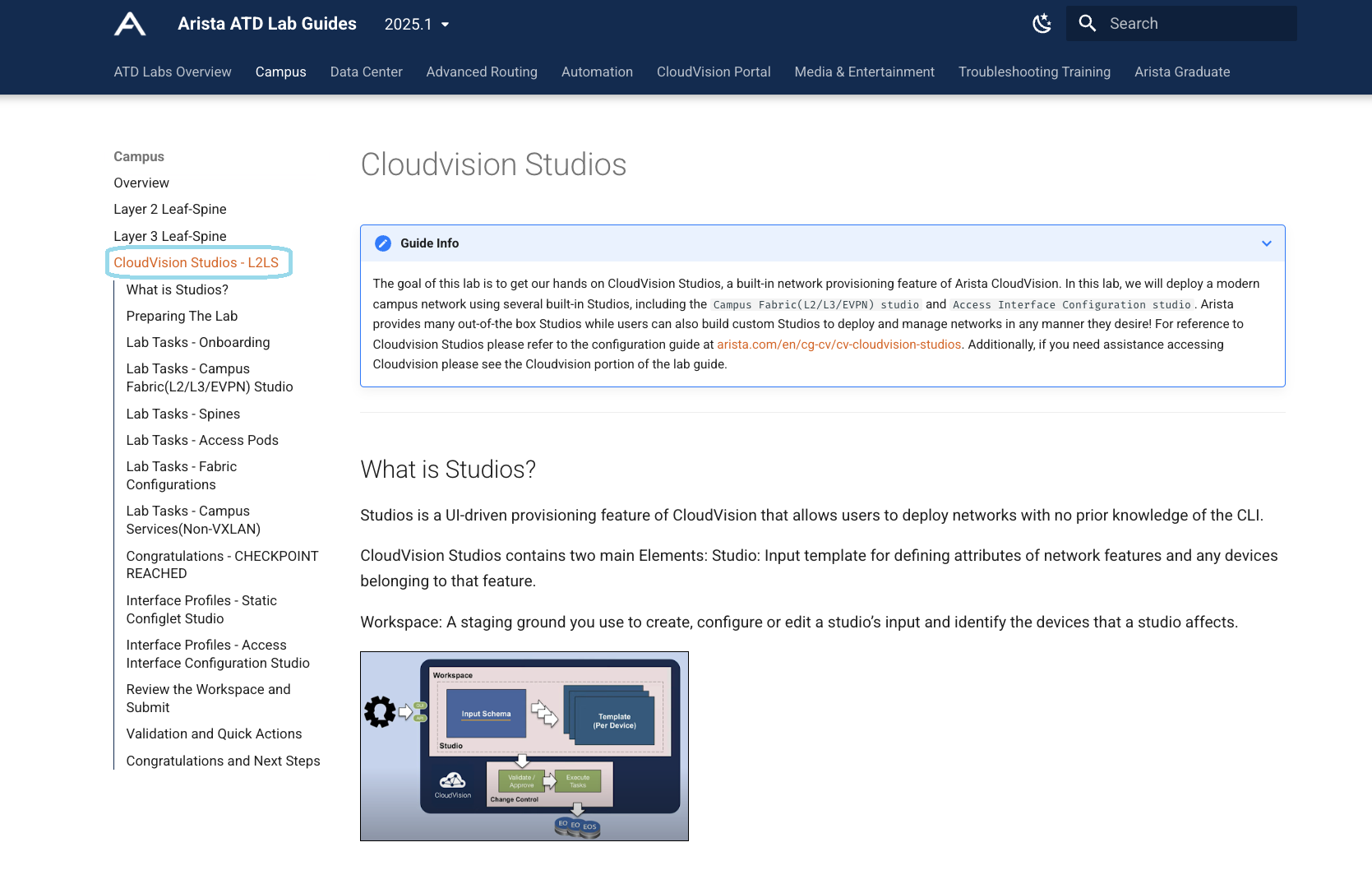
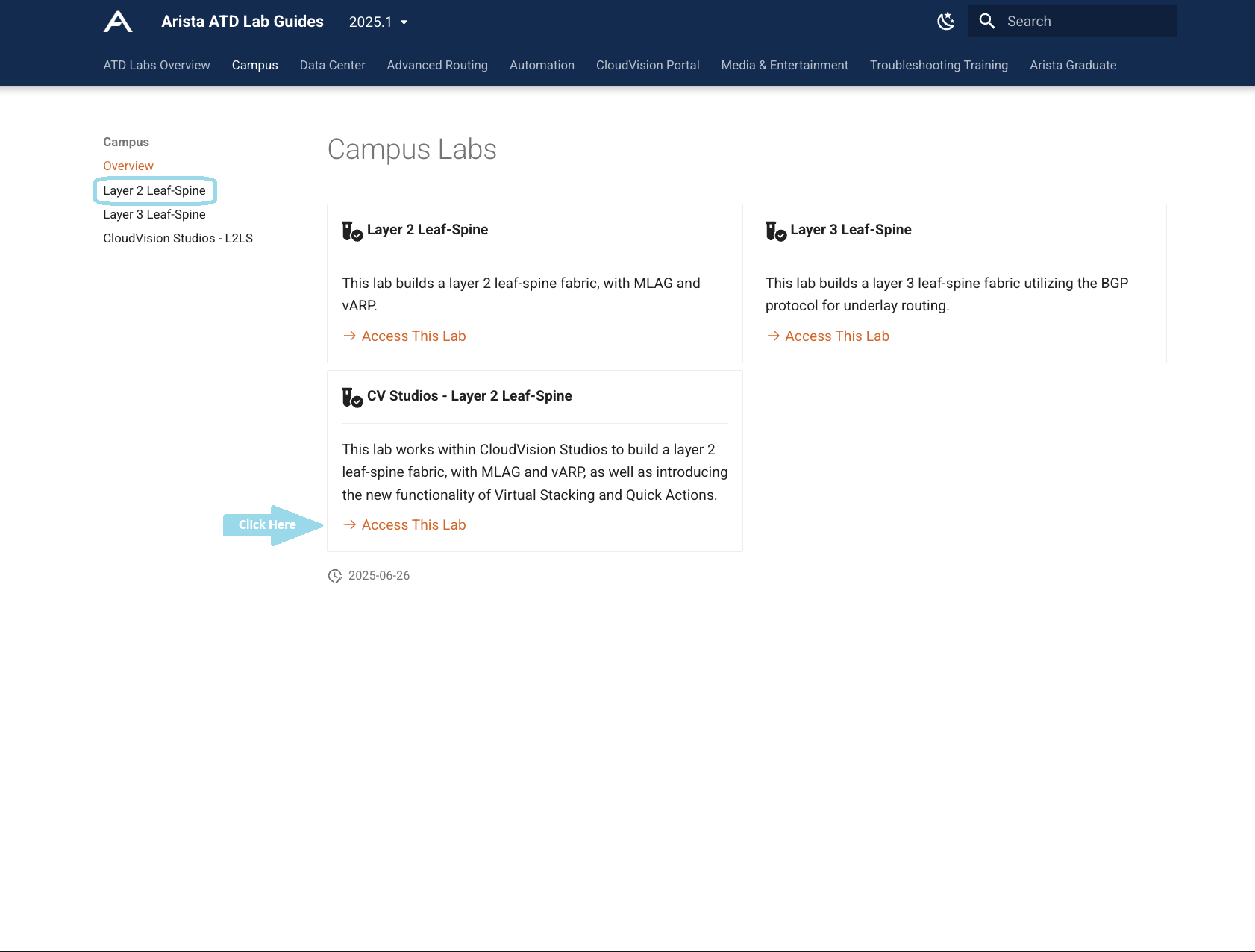
Choose the "CloudVision Studios - L2LS" labs to access the specific lab instructions for this exercise. Follow the lab instructions to complete all the steps required to create a campus fabric.
The ATD environment provides you with a complete virtual campus network topology where you can practice the same provisioning workflows used in production environments.
🎉 CONGRATS! You have completed this lab! 🎉